
A library that follows the source
Browse configured GitHub accounts and pinned repositories. Hub matches release artifacts to your device and discovers new releases when you refresh.
Discover, install, update, and launch your software. NX Hub brings GitHub Releases into a single app library across your devices.
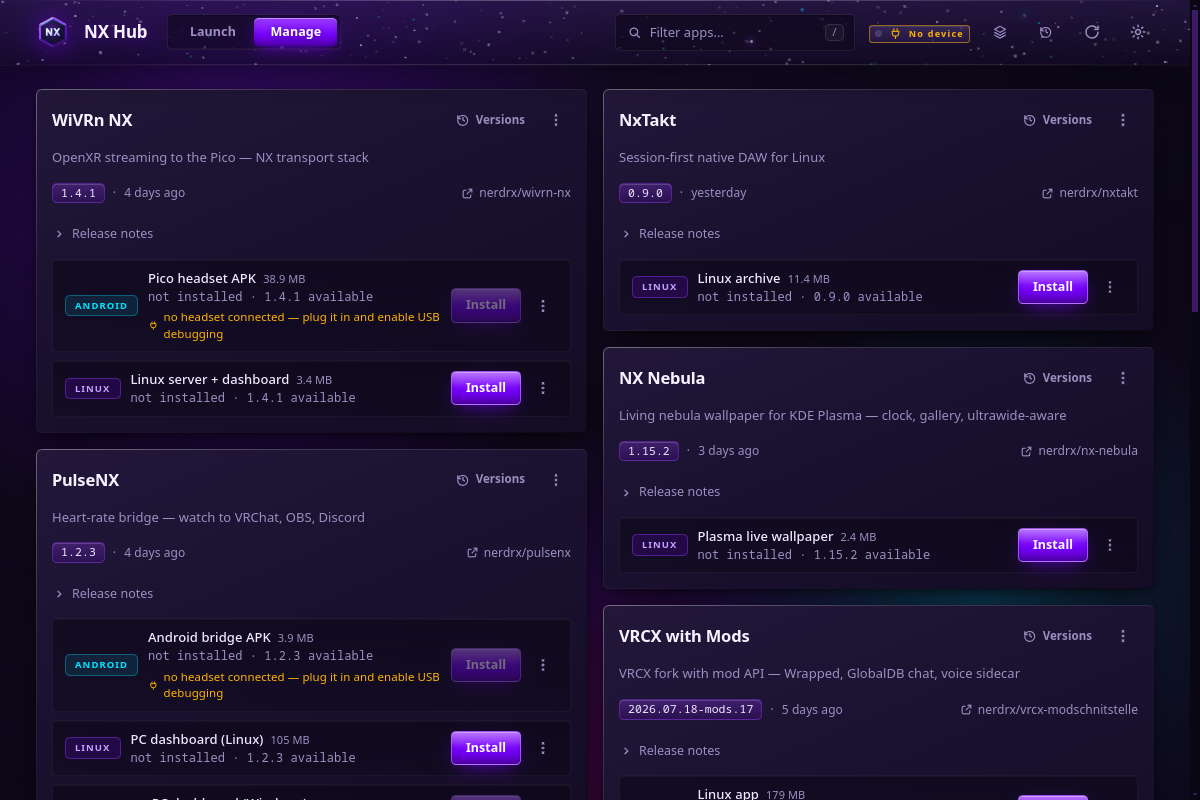
Browse configured GitHub accounts and pinned repositories. Hub matches release artifacts to your device and discovers new releases when you refresh.
Staged installs, checksum verification, version pinning, and rollback keep updates manageable. Choose whether updates notify, pre-download, or install automatically.
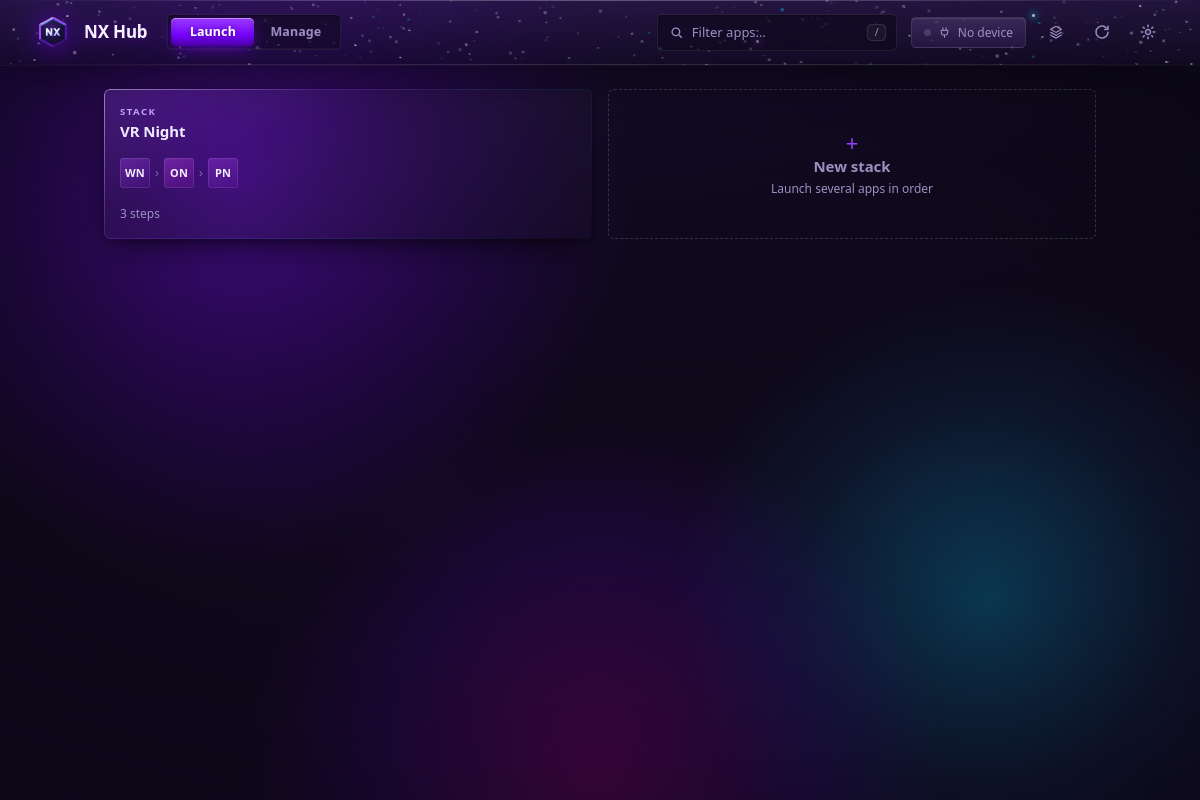
The graphical app, nx CLI, and headless daemon share the same engine. Pair hubs on your local network to coordinate apps across devices.
Requirements and setup vary by project. The repository documentation is the source for complete instructions.
Read the documentation ↗Open the releases page and choose the Linux AppImage, Windows portable executable, or Android APK. Platform builds can ship in separate releases.
Start Hub and configure the GitHub accounts or repositories you want to follow. Private repositories need a token with appropriate read access.
Refresh the library, select an app, and install it. Return to Hub to launch, update, pin a version, or roll back.
Linux AppImage, Windows portable executable, or Android APK. Internet access is needed to discover and download releases; already installed apps remain available offline.
Check the release list for your platform: the newest release may contain only one platform’s build.
Documentation, development, and help.