
Define a precise watch area
Draw a rectangle around the content you care about. Exclude timestamps, clocks, or other constant motion with ignore areas.
Select a region of a camera, screen, or window. Sentry watches for changes and sounds an alarm, so you can turn your attention elsewhere.
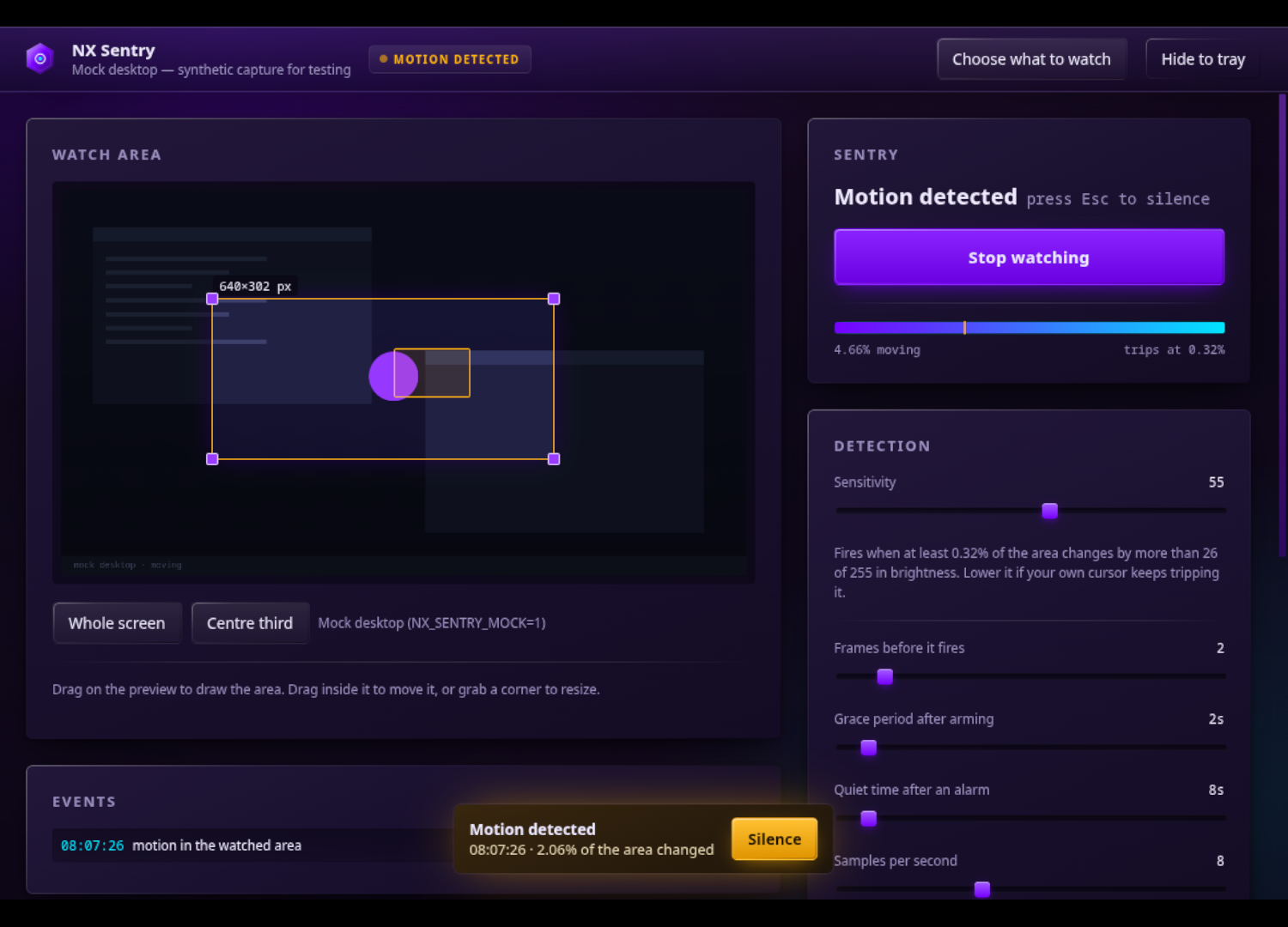
Draw a rectangle around the content you care about. Exclude timestamps, clocks, or other constant motion with ignore areas.
Adjust sensitivity, consecutive frames, grace periods, and quiet time. Zoom and pixel-exact mode support small targets that need a closer look.
Choose an alarm and its output device. Review annotated trigger snapshots to see the changed region; snapshots stay in memory unless you enable disk saving.
Requirements and setup vary by project. The repository documentation is the source for complete instructions.
Read the documentation ↗Get the Linux AppImage from Releases or install through NX Hub. Choose a camera, screen, or window to watch.
Drag your watch rectangle and add ignore areas where needed. On Wayland, approve screen sharing in the desktop portal.
Choose your output device, run Sound check, and start watching. Adjust the thresholds if background motion triggers too often.
The published build is a Linux AppImage. Wayland screen capture needs PipeWire and a working desktop portal; Linux camera capture uses V4L2.
The pointer can trigger changes. If screen sharing is revoked, Sentry disarms and reports the ended capture.
Documentation, development, and help.