Keep graphs readable
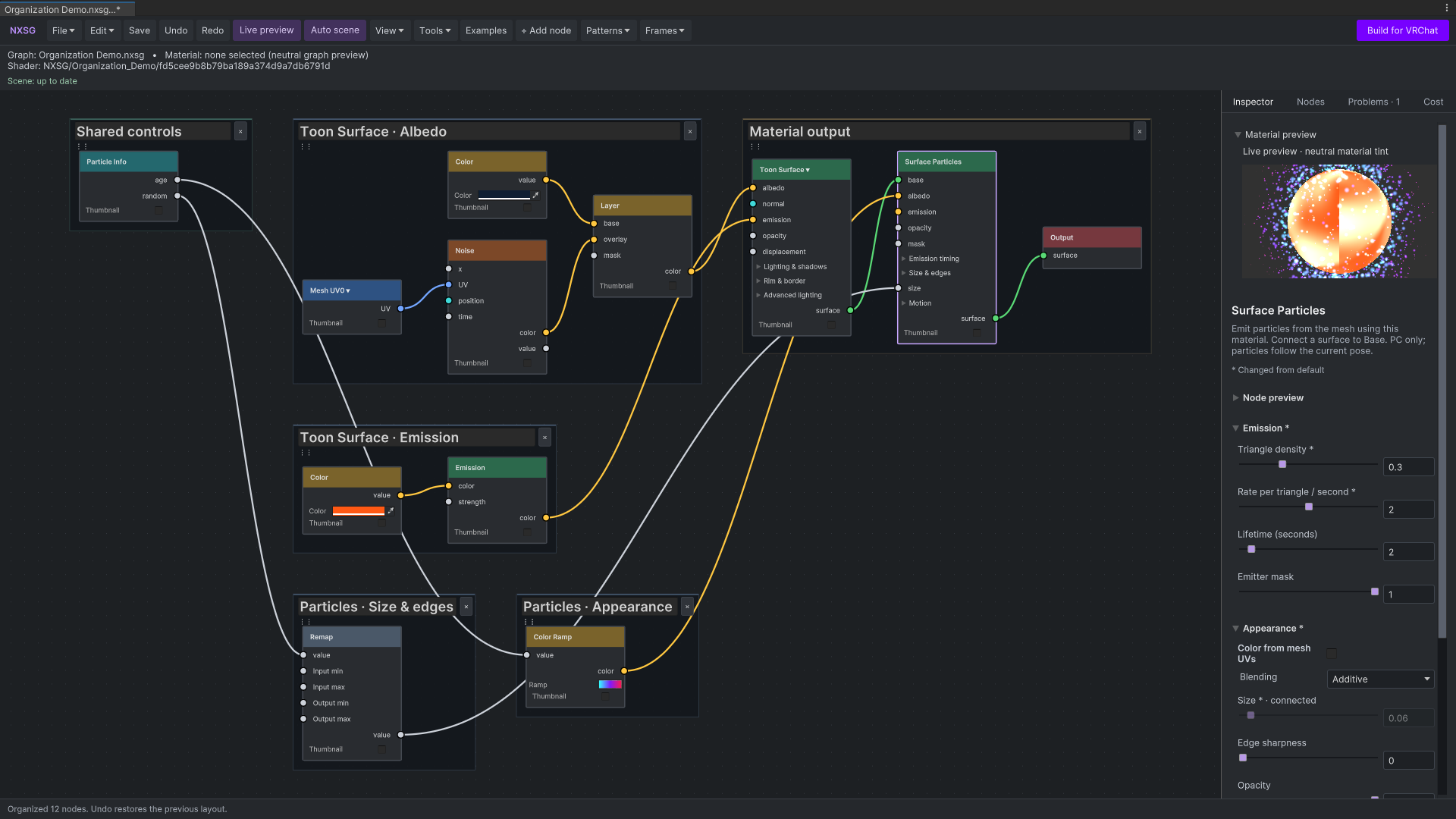
Search nodes, preview materials, and send changes to the scene. Auto-organize arranges labelled branch frames, optional grid snapping keeps drags aligned, and foldouts group advanced controls.
Build PC VRChat avatar materials in Unity by connecting nodes, or import a Poiyomi or lilToon material into an editable graph. Make Toon, PBR, or Unlit surfaces with fur, atlas particles, shaped glitter, animated constellations, AudioLink, and raymarched volumes.
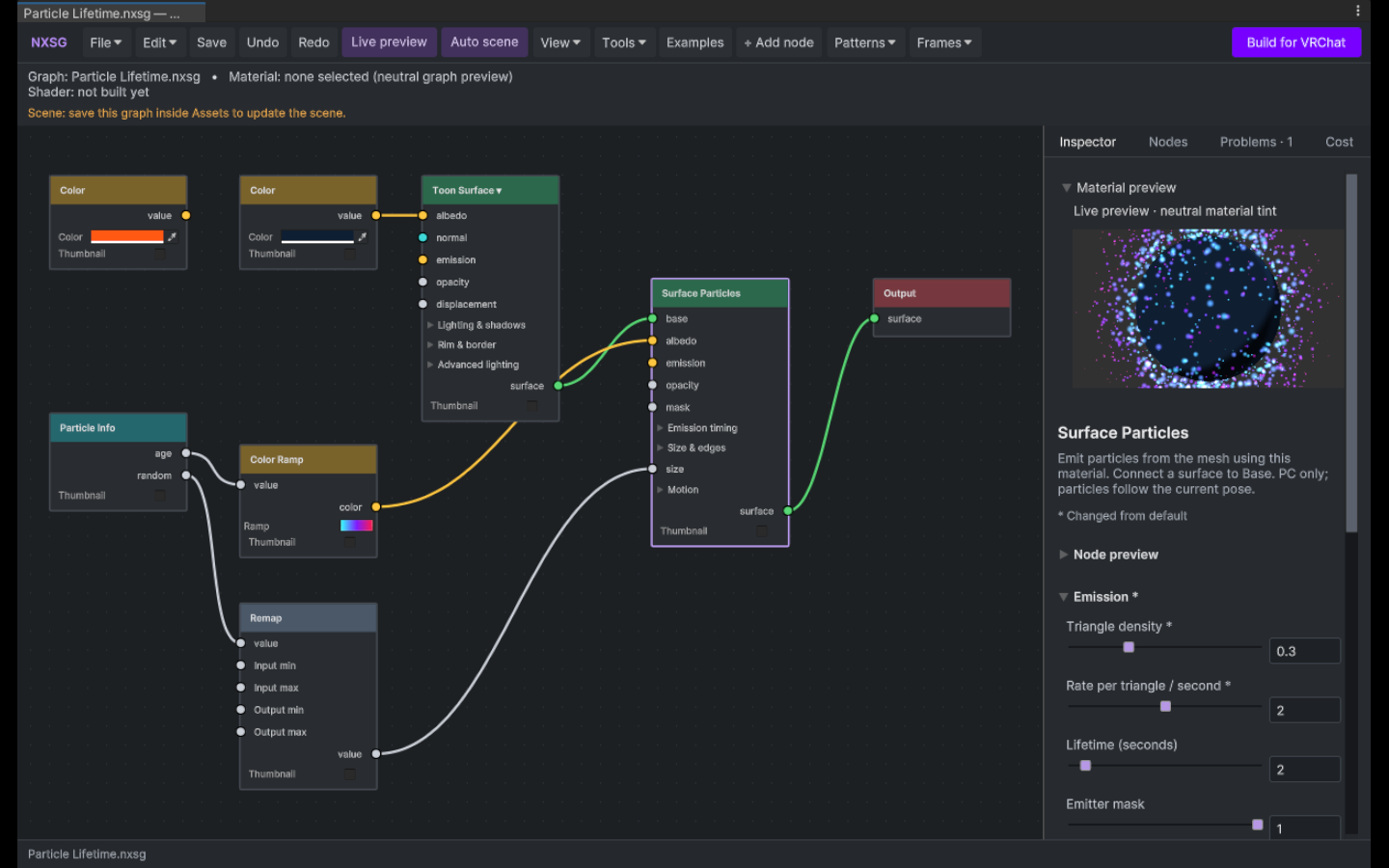
Search nodes, preview materials, and send changes to the scene. Auto-organize arranges labelled branch frames, optional grid snapping keeps drags aligned, and foldouts group advanced controls.
Build Toon, PBR, or Unlit surfaces with layered lighting, clearcoat, sheen, normal maps, and matcaps. Add procedural textures, outlines, fur, parallax, mesh-emitted particles, pathing, skin tone LUTs, decals, dissolve, gem refraction, and raymarched volumes.
Import a Poiyomi or lilToon material into an editable graph. NXSG connects supported emission layers, glitter, clear coat, outlines, and other active effects, then backs up the original while keeping avatar material references intact. Review the report for settings that need manual work.
Generate a Built-In shader for PC VRChat. NXSG removes unused graph branches and reports known constraints. Cost estimates describe generated work, not GPU timings.
Requirements and setup vary by project. The repository documentation is the source for complete instructions.
Read the documentation ↗Add the NXSG repository to ALCOM or Creator Companion, then install NX Shader Graph 2.3.2. This stable release does not require prerelease packages.
Use Unity 2022.3.22f1 with the Built-In Render Pipeline. Start with an example or open a graph from an NXSG material.
Connect a surface to Output, adjust its inputs, and preview the material. Use Build for VRChat, then check the result in your target setup.
Unity 2022.3.22f1, Built-In Render Pipeline, and PC VRChat avatar workflow. Custom shaders are not supported on Quest avatars. Editor renders are checked on Linux; native Windows and live headset validation remain open.
Fur, tessellation, particles, and raymarched volumes can be expensive. Unity previews and editor checks do not establish VRChat client or headset behavior.
Documentation, development, and help.
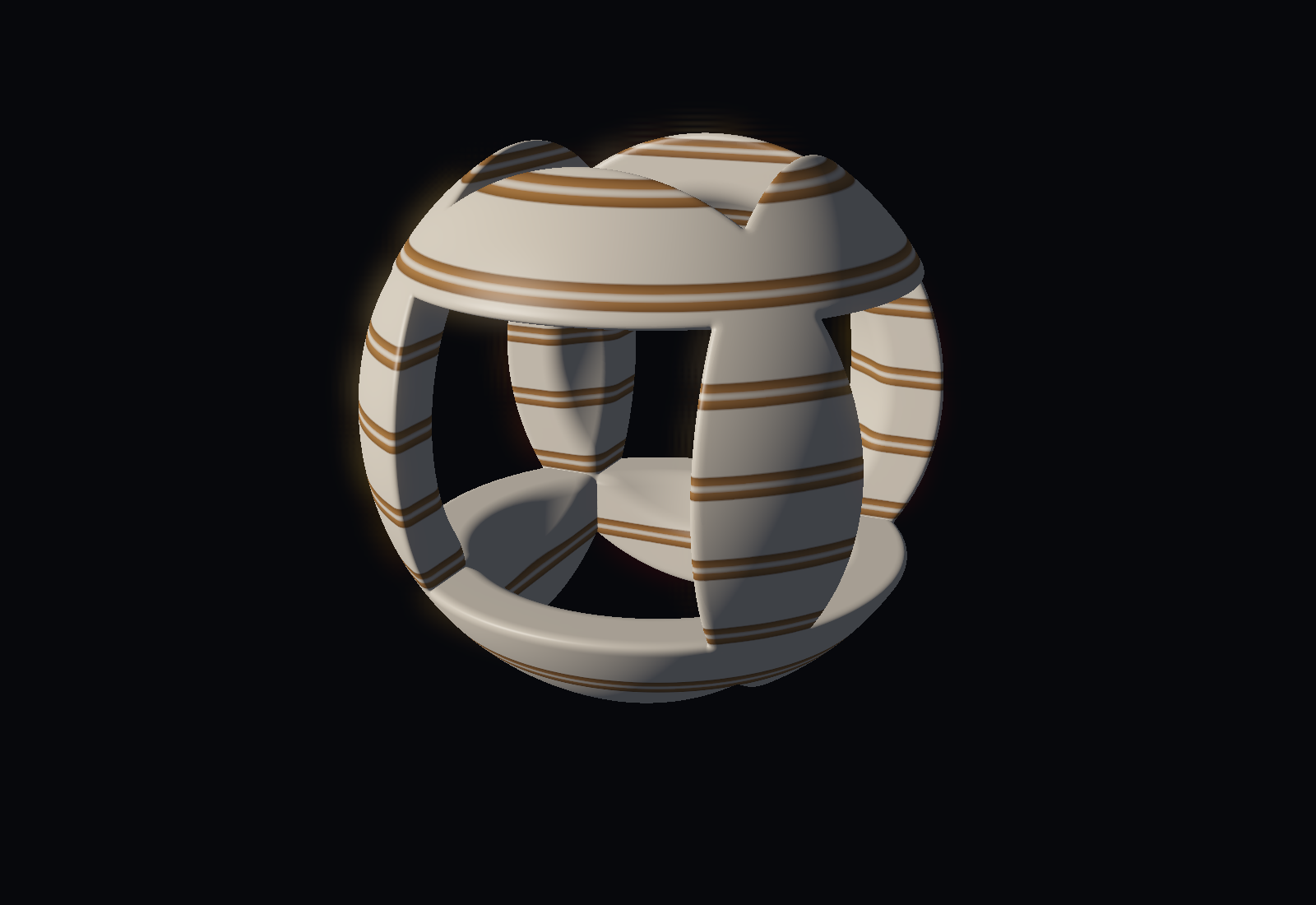
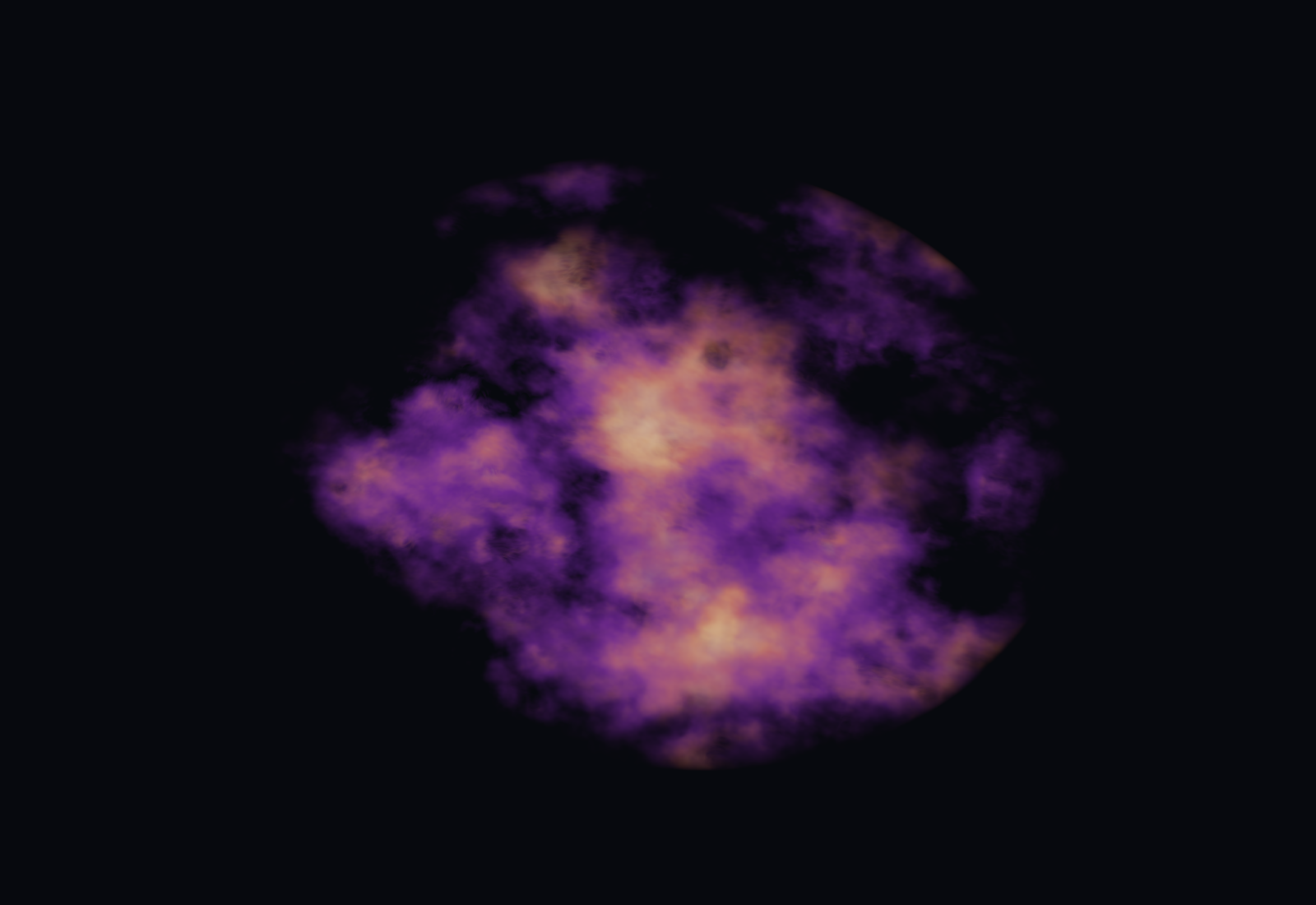
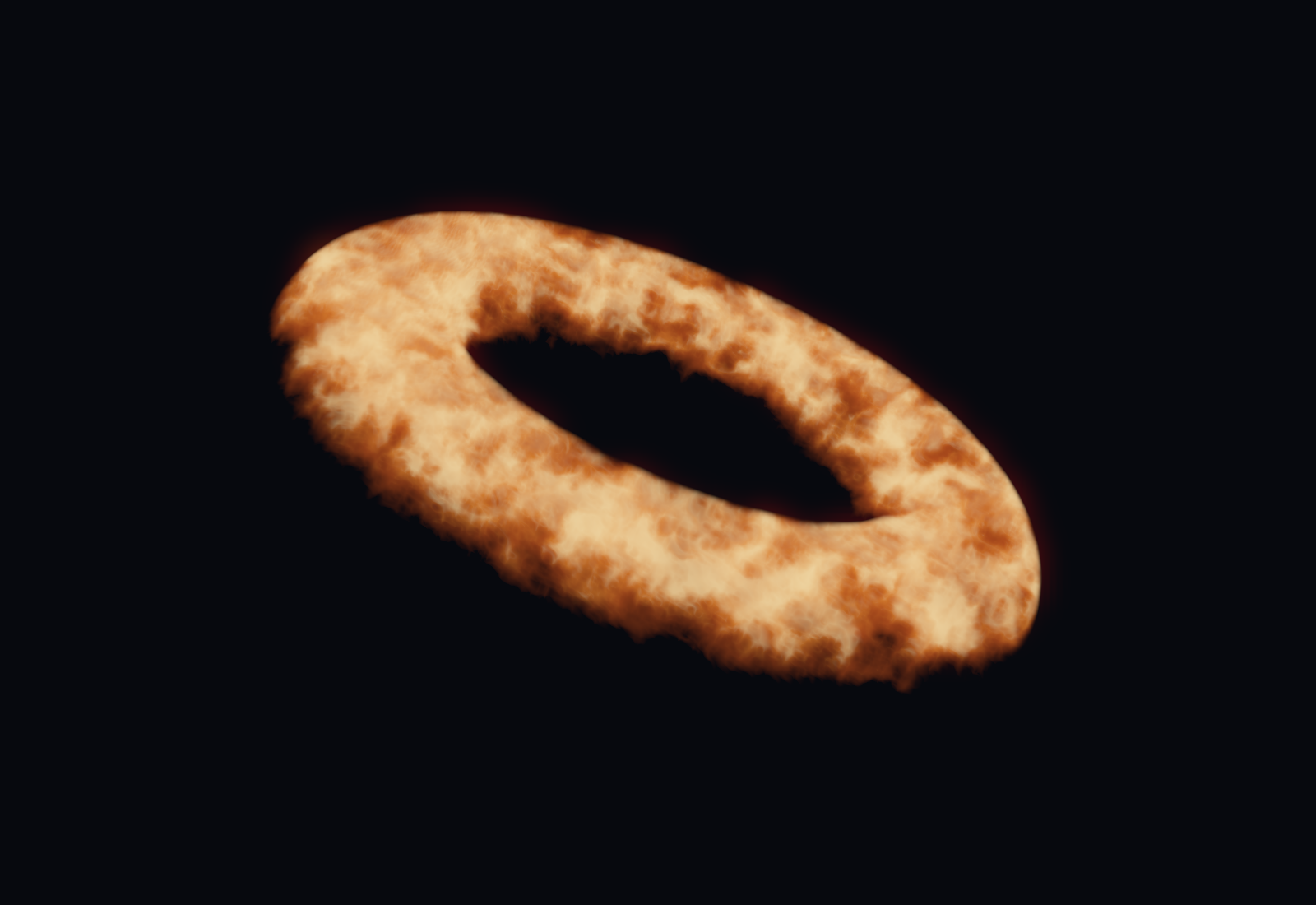
A hollow sculpture, violet dust, and a burning ring. Real Unity renders with presentation bloom and tone mapping.
Raymarched distance fields and procedural volumes render inside a closed cube proxy. High step counts add per-pixel work, so check cost in your target setup.
Get the graphs and read the volume guide ↗