
Let the sky change
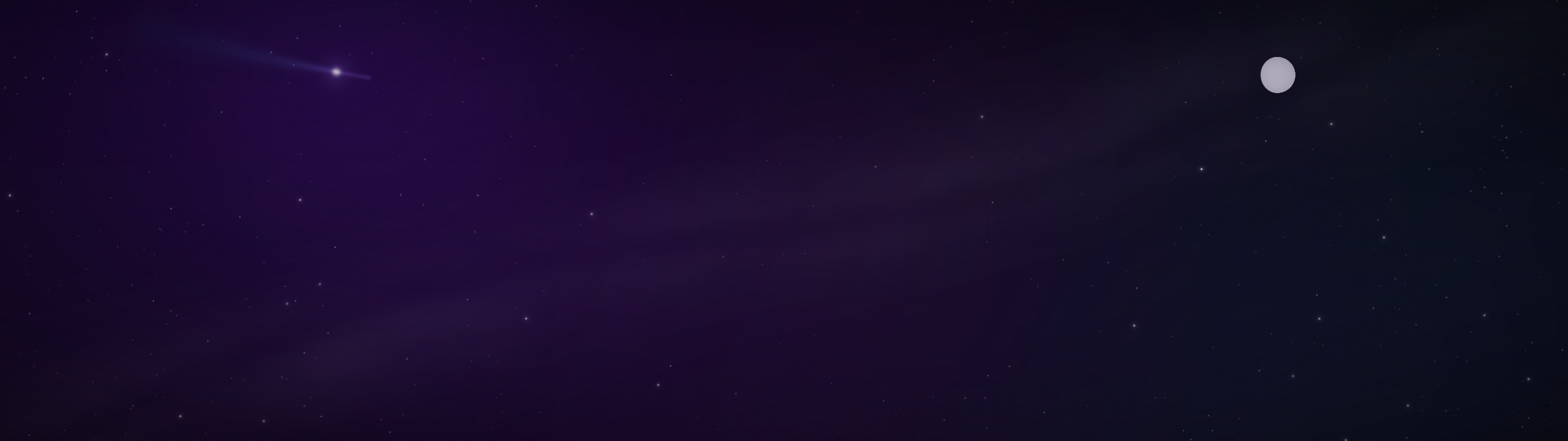
Pre-rendered layers bring nebulae, stars, moon phases, and occasional celestial events into the scene. A clock overlay and hemisphere settings let it fit your desktop.
A live wallpaper for KDE Plasma 6. Drifting nebulae, a changing sky, and a gallery for your own images bring the NX visual language to your workspace.
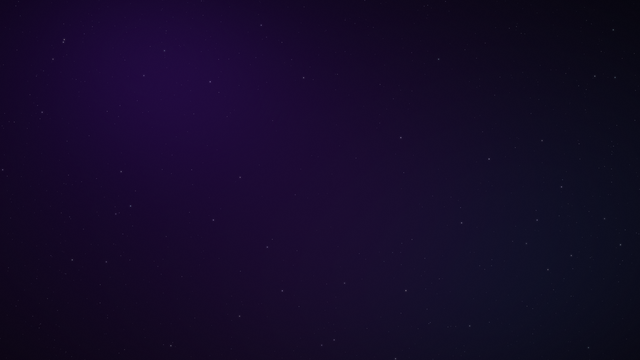
Pre-rendered layers bring nebulae, stars, moon phases, and occasional celestial events into the scene. A clock overlay and hemisphere settings let it fit your desktop.
Point the folder gallery at your collection. Aspect-aware layouts, portrait packing, captions, and crossfades support wide and ultrawide displays.
Animation pauses when the desktop is not visible. Optional weather and space-weather integrations add context, while display-care motion gently shifts persistent elements.
Requirements and setup vary by project. The repository documentation is the source for complete instructions.
Read the documentation ↗Download the release archive and follow the install.sh instructions. The repository also documents optional lock-screen installation.
Open KDE’s Desktop and Wallpaper settings and choose NX Nebula (Live). Start with the default scene.
Adjust motion, clock, and gallery options. Enable network-backed weather only if you want it, then enter the required location settings.
KDE Plasma 6.2 or newer and Qt 6.4 or newer. Python, NumPy, and Pillow are only required when regenerating the sprite layers.
Weather and space-weather features are optional and use network access. Some sky events are intentionally subtle or infrequent.
Documentation, development, and help.