
Start with a session
Organize clips into scenes, launch on the beat, and edit notes in the piano roll. Recording, warping, automation, and follow actions help an idea become a performance.
A native Linux music workstation for building ideas, shaping arrangements, and playing live. Clips, instruments, effects, and a separate audio engine in one workflow.
Drum sequencing, Spectra sound design, the piano roll, and live clip launching. See NxTakt in action.
Original instrumental music · No spoken narration Download trailer ↗
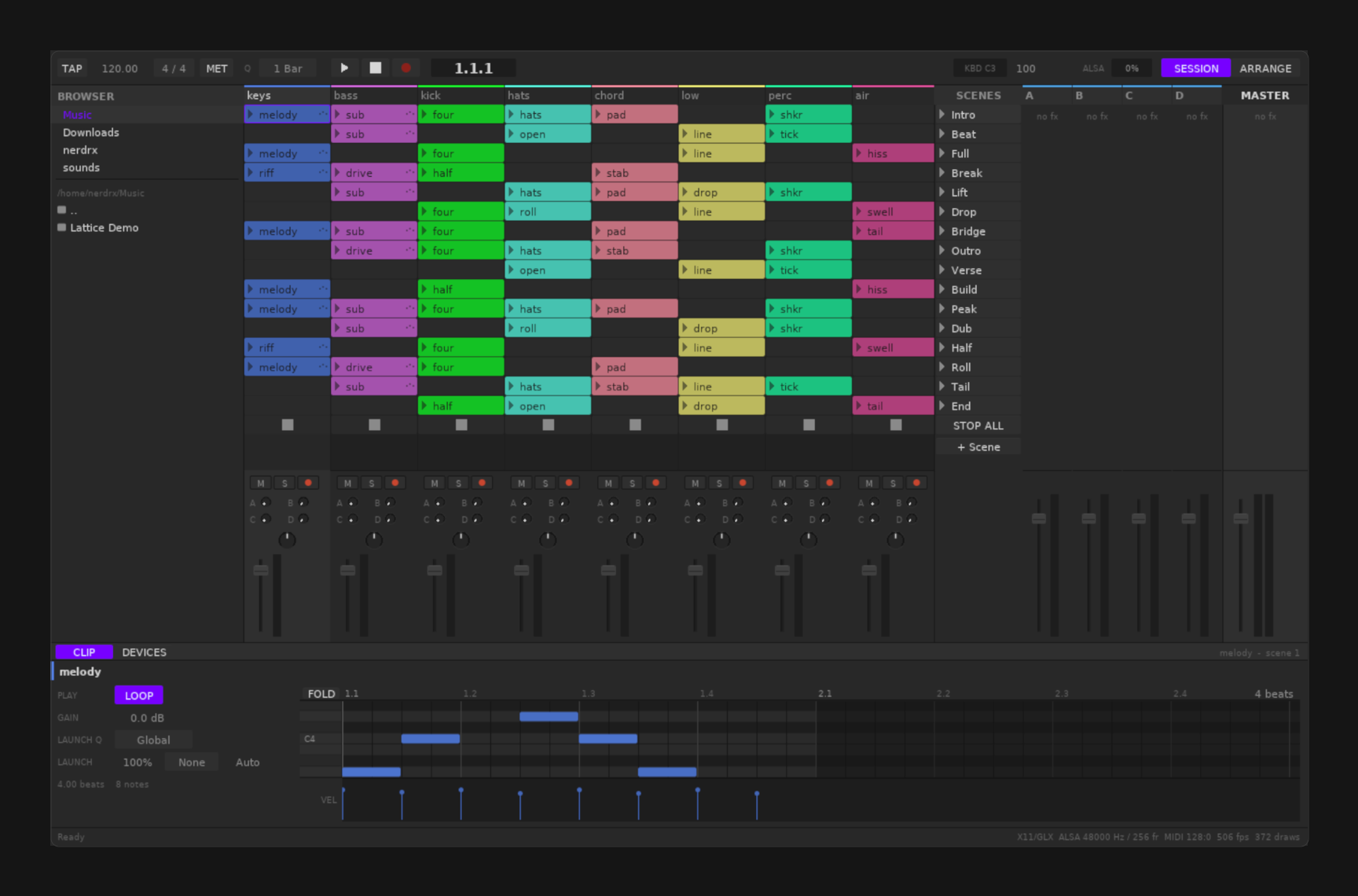
Organize clips into scenes, launch on the beat, and edit notes in the piano roll. Recording, warping, automation, and follow actions help an idea become a performance.
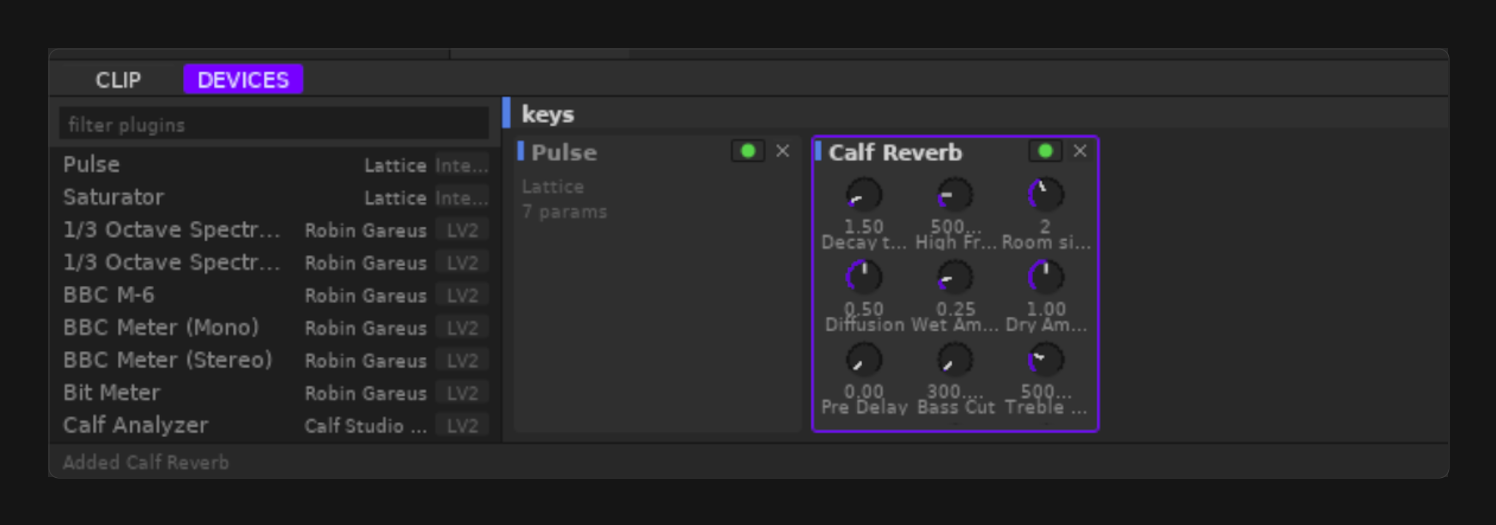
Combine stock devices with LV2 and CLAP plugins. Buses, plugin delay compensation, and sample-accurate scheduling support more involved sets.
Sets are stored as line-oriented text with stable identifiers. Diff a change, branch an arrangement, or generate material with your own scripts.
Requirements and setup vary by project. The repository documentation is the source for complete instructions.
Read the documentation ↗Download the Linux archive from Releases and follow the project’s setup instructions. Source builds are documented in Quickstart.
Use JACK or ALSA and check your audio devices. The separate nxtaktd process provides the audio engine.
Open a set, add clips and devices, and arrange scenes. Use the piano roll for notes and the mixer to shape the result.
Native Linux, with JACK or ALSA audio. Wayland and X11 backends are available. See the dependency list for source builds.
VST3 is not implemented. Windows GUI work is experimental and has not been validated on real Windows hardware.
Documentation, development, and help.